
Cashvelope v2.2: Wallets & Multi-Currency — one app, every account
Cash in your wallet, savings in your bank, expenses on your card — all tracked separately, all visible together.
Before v2.2, Cashvelope tracked a single pool of money. That worked if all your spending flowed through one account. But most people have more than one: a checking account for bills, a savings account they try not to touch, a credit card for day-to-day purchases, and some cash for markets and taxis.
v2.2 adds full multi-wallet support. Your finances are not a single number. Now your app reflects that.
Multi-wallet system
You can now create multiple wallets, each representing a different account or money source. Give each one a name, assign it a type (cash, bank account, credit card), and start logging transactions against it. The home screen shows the balance of each wallet individually, and a combined total across all of them.
When you log a transaction, you choose which wallet it comes from or goes to. Transfers between wallets are handled as a special transaction type so they do not inflate your expense totals.
Currency picker per wallet
Each wallet has its own currency setting. If you earn in one currency and spend in another — common for anyone who travels, works remotely, or lives in a multi-currency household — each wallet holds the right currency independently.
The home screen shows balances in their native currencies rather than forcing everything through a single conversion. You always know what you actually have in each account, in the currency that account operates in.
Budget list redesign
The budget list got a visual overhaul alongside the wallets feature. Budget items now show category, spend-to-limit ratio, and remaining amount in a cleaner hierarchy. Scanning your budget status at a glance no longer requires reading through the whole list.
Notes on the home screen
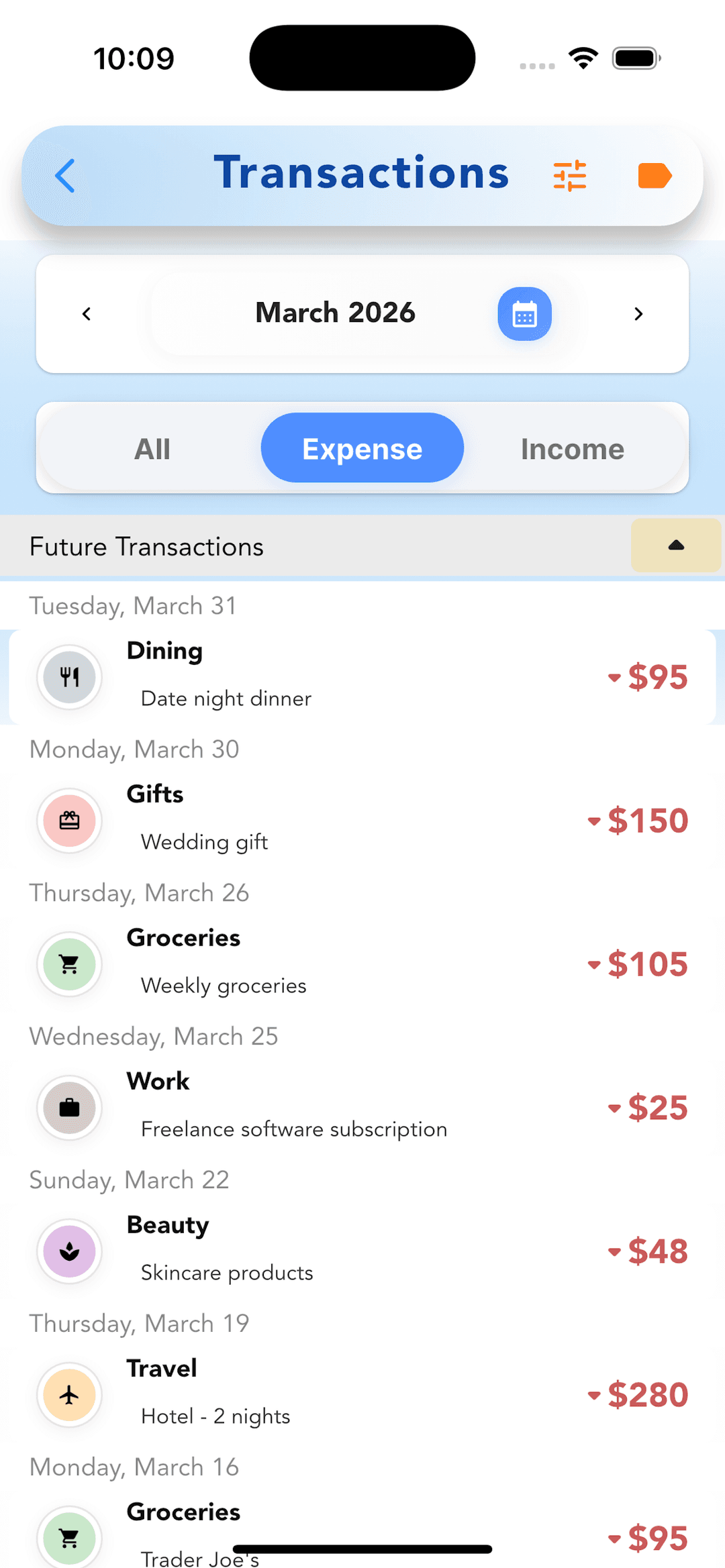
Transaction notes are now visible directly in the home screen transaction list, without needing to tap into a transaction detail. If you added context when logging — “split with Alex” or “Q3 client invoice” — it surfaces immediately where you need it.