
Cashvelope v2.1: iOS Launch & iPad Support — Cashvelope arrives on Apple
Cashvelope is now on the App Store. iPhone, iPad, and every screen size in between.
From today, Cashvelope is available on both Google Play and the App Store. v2.1 is the iOS launch release, and it includes everything needed to make the app feel at home on Apple hardware — not a port, a proper iOS build.
New app icon and splash screen
Both platforms now share the same Cashvelope icon — the envelope mark that came with the v2.0 rebrand. The splash screen follows the same design language: clean, minimal, instant. The app does not linger on startup.
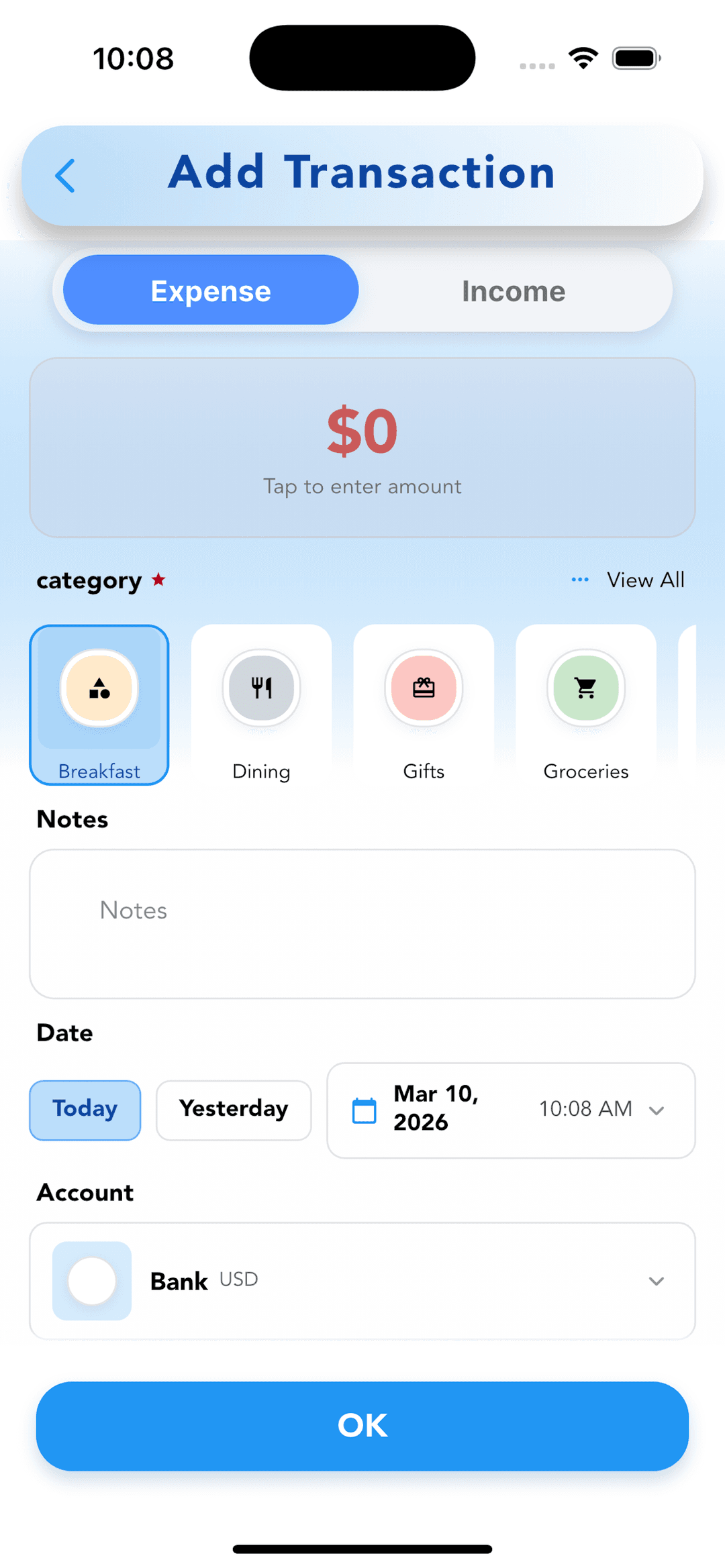
Full iPad layout support
iPad support was built properly, not as an afterthought. On larger screens, the app uses a split-view layout: the navigation sits in a persistent sidebar, and the main content fills the right panel. You do not lose screen space to an oversized phone interface.
The transaction list, budget overview, and report screens all adapt to the wider canvas. If you manage your finances primarily on iPad, the experience is genuinely better than on a phone — more context visible at once, less back-and-forth navigation.
iOS-specific navigation fixes
iOS and Android handle navigation differently at a system level. Swipe-back gestures, modal presentation styles, the behavior of the system navigation bar — all of these needed to be handled explicitly for iOS rather than relying on Android conventions. v2.1 addresses all of them. Navigation on iPhone feels like a native iOS app.
Material-based popup components
The popups and bottom sheets used throughout the app — for confirmations, pickers, and contextual menus — were rebuilt as Material-based components that work correctly on both platforms. Consistent behavior, consistent animation, consistent dismiss handling whether you are on Android or iOS.
Settings page banner redesign
The settings page got a new header banner to match the v2.0 design language. The app version, account status, and navigation to key settings are now clearly organized at the top, with a cleaner visual hierarchy below.