
Daykept v0.4: Notebooks — organize entries without breaking your timeline
Group entries by area of life — your main timeline stays exactly as it is.
A flat timeline is the simplest possible way to journal. Everything flows in order, nothing is categorized, you just write. That is still the default in Daykept and it works well for many people. But once you have been journaling for a while, you start to want separation. Work thoughts next to personal reflections starts to feel messy. Notebooks, added in v0.4, give you that separation without breaking the timeline experience.
Notebooks as lenses
A notebook is not a separate app section with its own timeline. It is a filter on top of your existing timeline. When you tap a notebook, you see only the entries assigned to it, displayed in the same clean chronological layout. Your unassigned entries still live in the main feed.
This matters because the alternative — moving all your entries into a notebook before you can write — creates friction. In Daykept, you can write without ever thinking about notebooks. Organization is something you do when you want to, not a gate you pass through.
Creating and managing notebooks
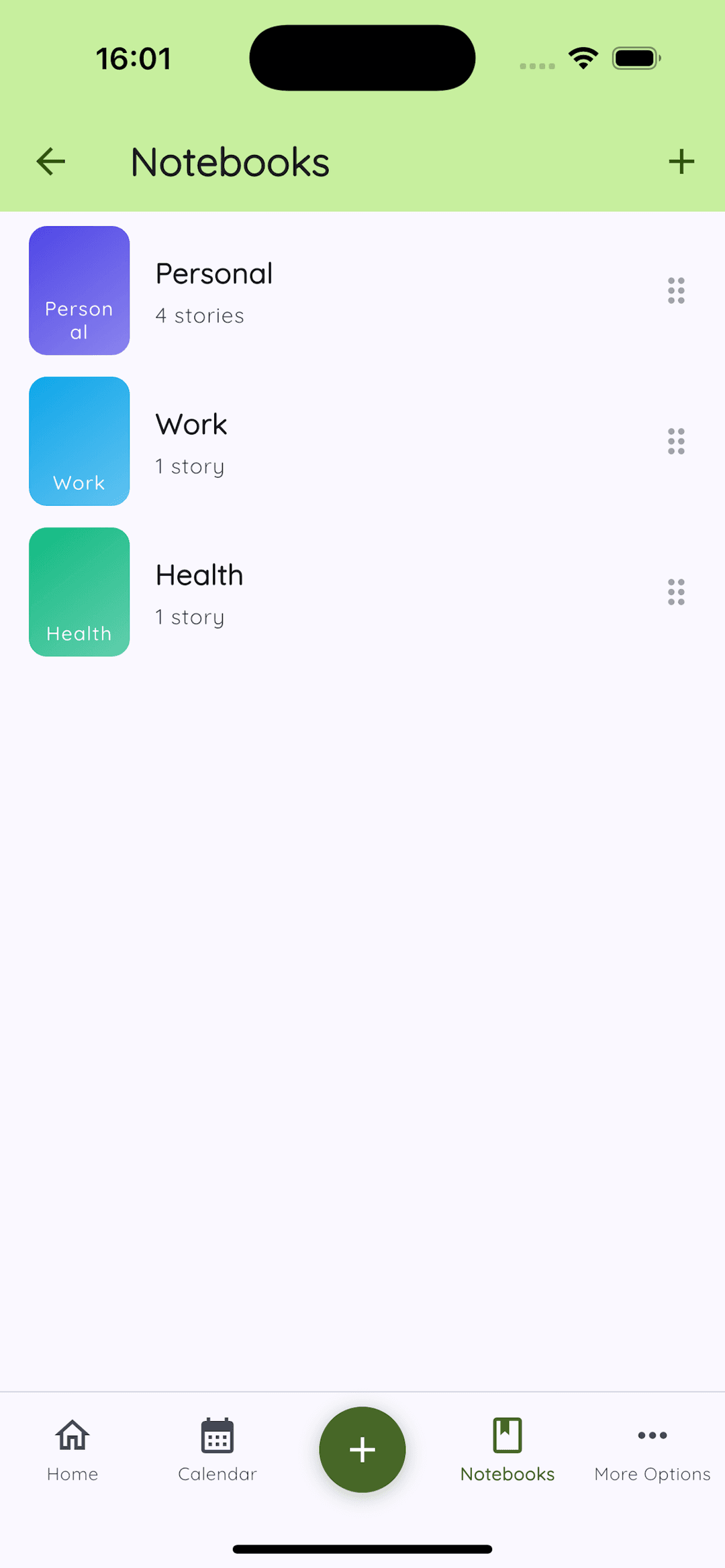
Tap the + icon on the Notebooks screen. Give it a name, pick a color, and optionally choose an icon. There is no limit on how many notebooks you can create, though in practice most people find three to four is enough.
You can assign an entry to a notebook when you create it, or retroactively from any entry in the timeline. Tap the notebook selector in the editor, pick one, and the entry appears in that notebook's filtered view immediately.
Private notebooks
Any notebook can be locked behind your device's biometric authentication — Face ID, fingerprint, or PIN, depending on your device. When a notebook is locked, it does not appear in the main timeline and cannot be opened without authentication.
This is useful for anything you want to keep separate from the general journal — a therapy-style personal stream, health notes, financial reflections. The lock is on the notebook level, not the app level, so the rest of your journal is always accessible.