
How Daykept's daily prompts help you write when you're stuck
A new question every day. No blank page, no pressure, just a starting point that makes writing feel natural.
The hardest part of journaling is not the writing. It is deciding what to write about. On a quiet Tuesday evening, with nothing dramatic to report, the blank title field can feel like an accusation. What do I even say?
Daykept solves this with a simple feature: every day there is a new question. There are more than 200 of them, from gratitude to memories to small, silly ones. It's not a task, just a prompt. Something small to think about.
Where you'll find the daily prompt
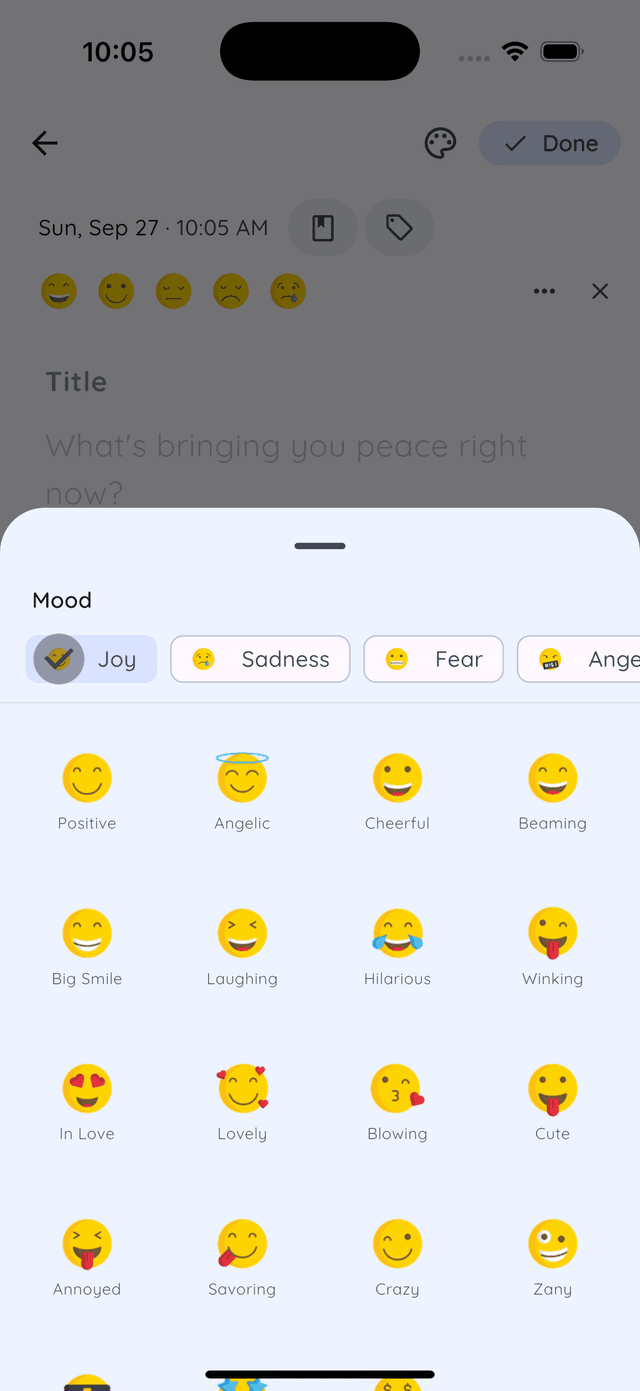
- In the editor. Start a new entry and today's question is waiting in the empty page as a hint, things like “What's a small pleasure you enjoyed recently?” or “What's your favorite outdoor activity and why?” Start typing and it gets out of the way.
- On Home. Until you've written today, the streak card at the top of Home says Write for today, with today's question right under it. Tap it and a new entry opens.
- On your home screen widget. The Daykept widget shows today's prompt. Tap it and a new entry opens with the question already in place as the title.
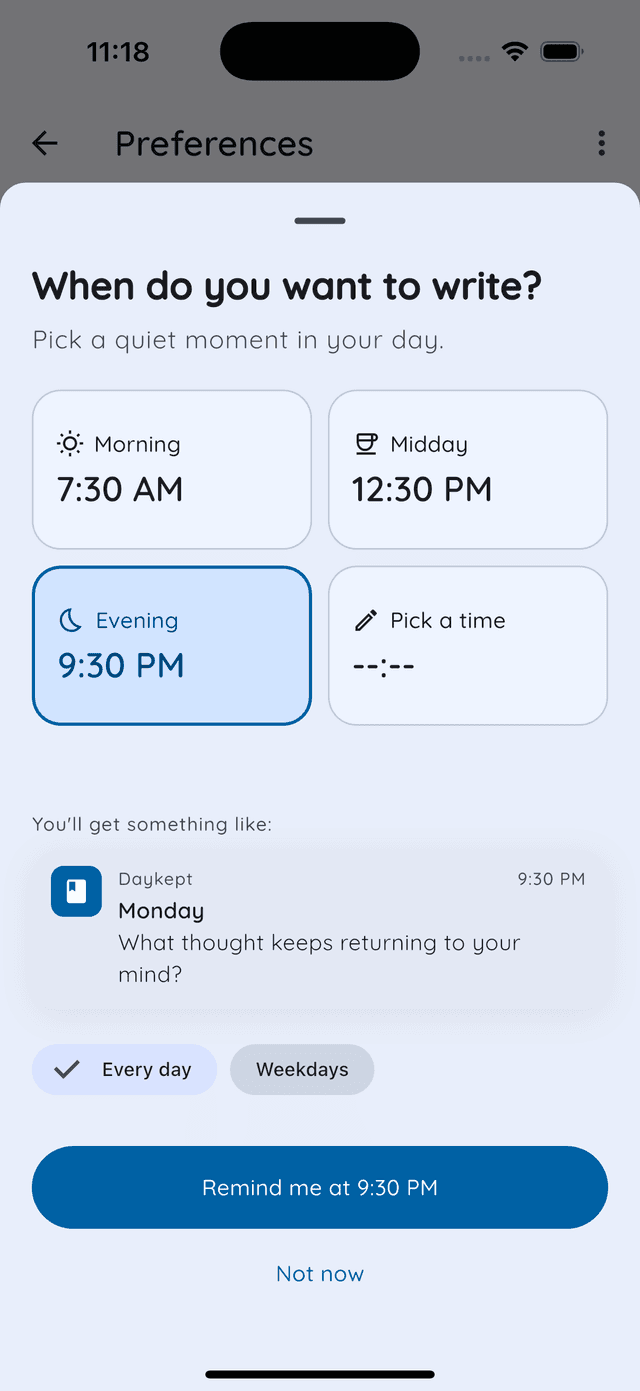
- In your reminder. Pick a quiet moment (morning, midday, evening or your own time, every day or weekdays only) and the reminder arrives with a question to start from.
The prompt is never a mandatory field. You do not have to answer it directly. Its job is simpler: it gives your brain something to push against when you open the app and feel nothing obvious to say.
How to use the prompt
There are two ways to work with the daily question, and both are valid:
- Answer it directly. If the question resonates, write your answer as your entry for the day, or tap the prompt on your widget to start with it as the title. It does not need to be long. Two or three sentences count.
- Let it warm you up. Sometimes the prompt itself is not interesting, but reading it gets your mind into reflection mode. You think about the question for a moment, decide you have something else to say, and write that instead. The prompt did its job.
Starting an entry from the prompt
Tap + to create a new entry and you get a clean page with a title and a body. Today's prompt sits in the empty page as a hint. Use it as your title, answer it in the body, or ignore it and write whatever came to mind. No format required.
For prompt-based entries, a title is optional. Many people just write a few lines in the body: a reaction, a memory, a brief thought. That is a complete entry.
Why prompts work even when you ignore them
Constraints help. A blank canvas is harder to start than a canvas with one mark already on it. The prompt is that first mark. Even if you read it and think “not for me today,” you have already been thinking, and thinking makes writing easier.
After a few weeks of prompt-based entries, you will notice something: the days when you use the prompt and the days when you write freely start to look the same in your timeline. The prompt removes the friction of starting. What happens after that is just you.
Prompts alongside your regular entries
The daily prompt is not a replacement for your own journaling structure. It is a supplement. You might use it on days when you feel uninspired and skip it when you have something specific to say. Over time, your timeline will have a mix: some prompt-driven entries, some freeform ones, some structured check-ins. That variety makes looking back more interesting.
Just getting started? Read how to build a daily journaling habit first. Once you have entries, the weekly review helps you make sense of what you wrote.
Free template for this: Free Writing has the exact questions, a filled-in example and how to open it in Daykept.
Try Daykept, a gentle journal built around how you feel
Free to download. Writing is free forever. No account needed to start.
Learn more →