
How tagging your journal entries reveals patterns you'd never notice
A tag takes two seconds. Over a month, those tags become a map of what's actually happening in your life: energy, mood, work, health.
Most people who journal regularly can tell you roughly how they feel day to day. Very few can tell you what their energy looked like across the last four weeks, or which weeks had the most work-related stress, or whether their fitness entries cluster around particular days.
Tags make that kind of reflection possible without any extra effort, because you add them while you write, not after.
What a tag actually does
A tag is a label you attach to an entry. That is all. But when you filter your calendar or timeline by a tag, every entry with that label becomes visible at once, across days, weeks, and months.
The pattern that was invisible in a linear timeline becomes obvious when filtered. Twenty “Fitness” entries tell you a lot more together than they do scattered across a month of daily reading.
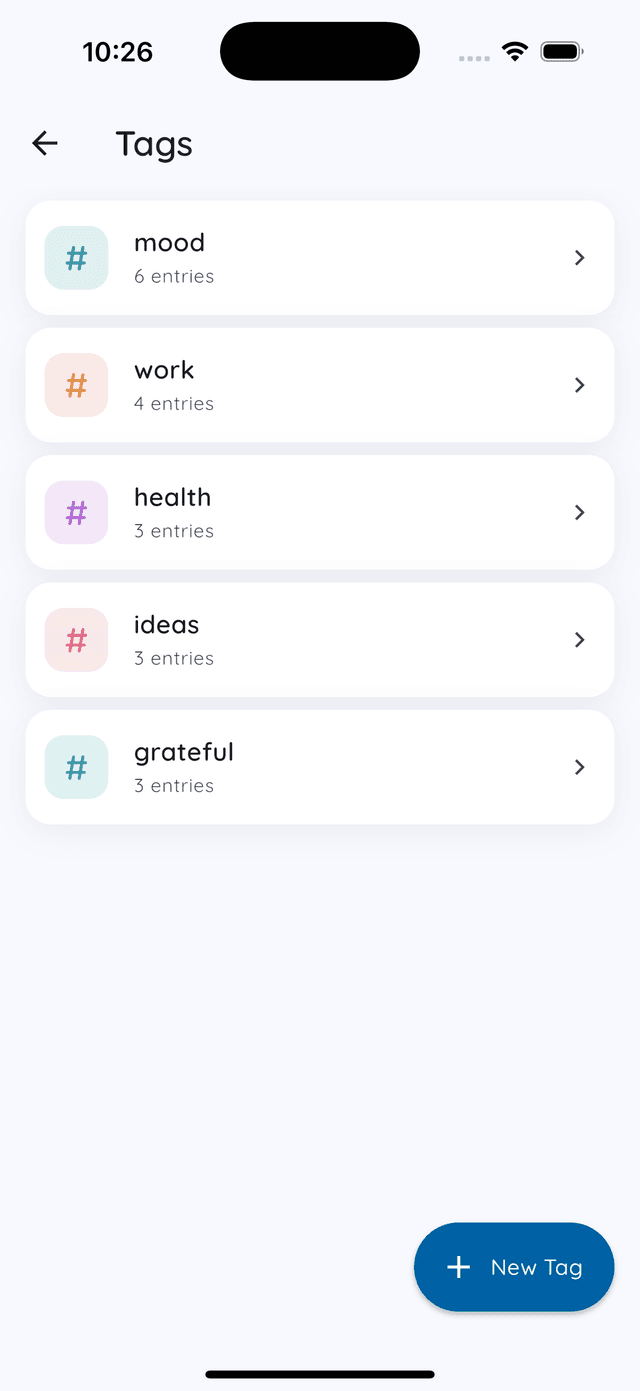
Which tags are worth having
The goal is not to tag everything. Tag the dimensions of your life you actually want to track. A few categories that work well for most people:
- Wellness: mood, mental health, emotional state. Anything about how you are feeling overall.
- Fitness: exercise, movement, physical energy. Even a walk counts.
- Work notes: professional reflections, wins, frustrations, lessons. Observations, not tasks.
- Daily life: everything else that does not fit neatly: small moments, observations, things that made you laugh.
Four to five tags is a practical ceiling. More than that and tagging becomes a decision you have to make every time you write, which creates friction and encourages skipping it.
Using tags with the calendar filter
The calendar in Daykept shows the mood you picked on every day you wrote. Its real power is the filter row at the top. Tap any tag and the calendar redraws to show only entries with that tag.
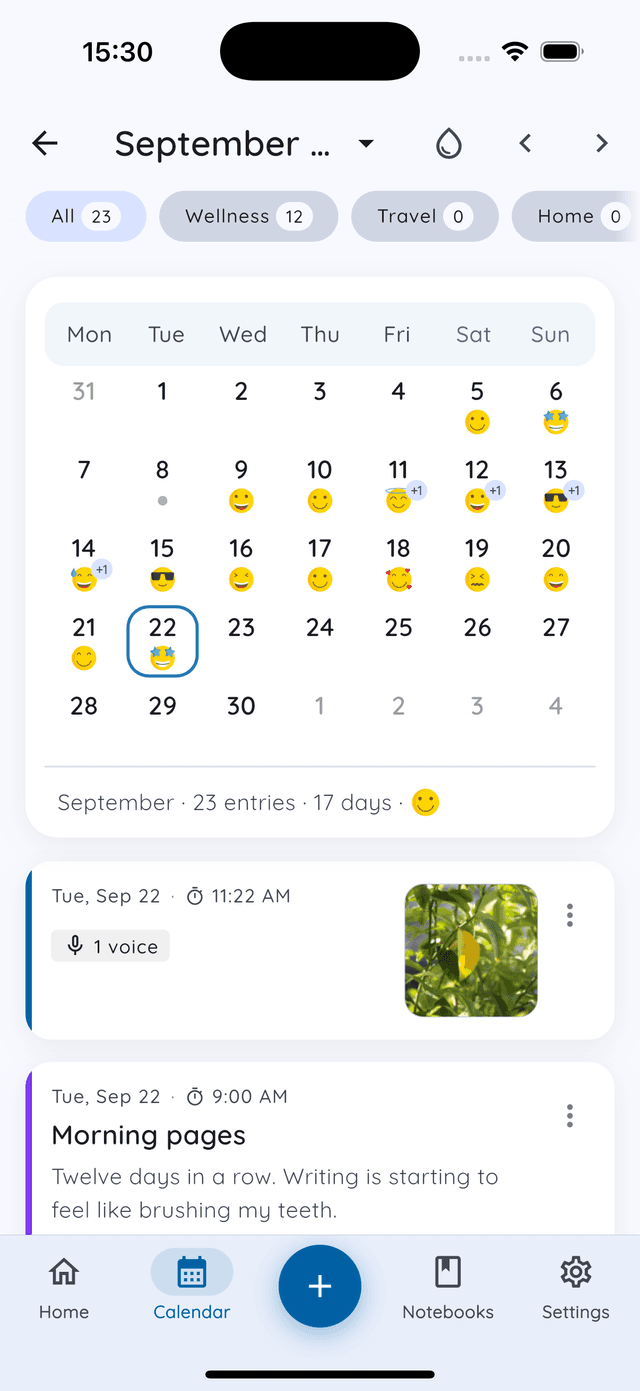
Filter by Wellness and you see a map of your emotional check-ins. Filter by Fitness and you see your movement pattern. If the days are sparse in a particular week, you know something shifted without having to read every entry to find it.
How to add a tag while writing
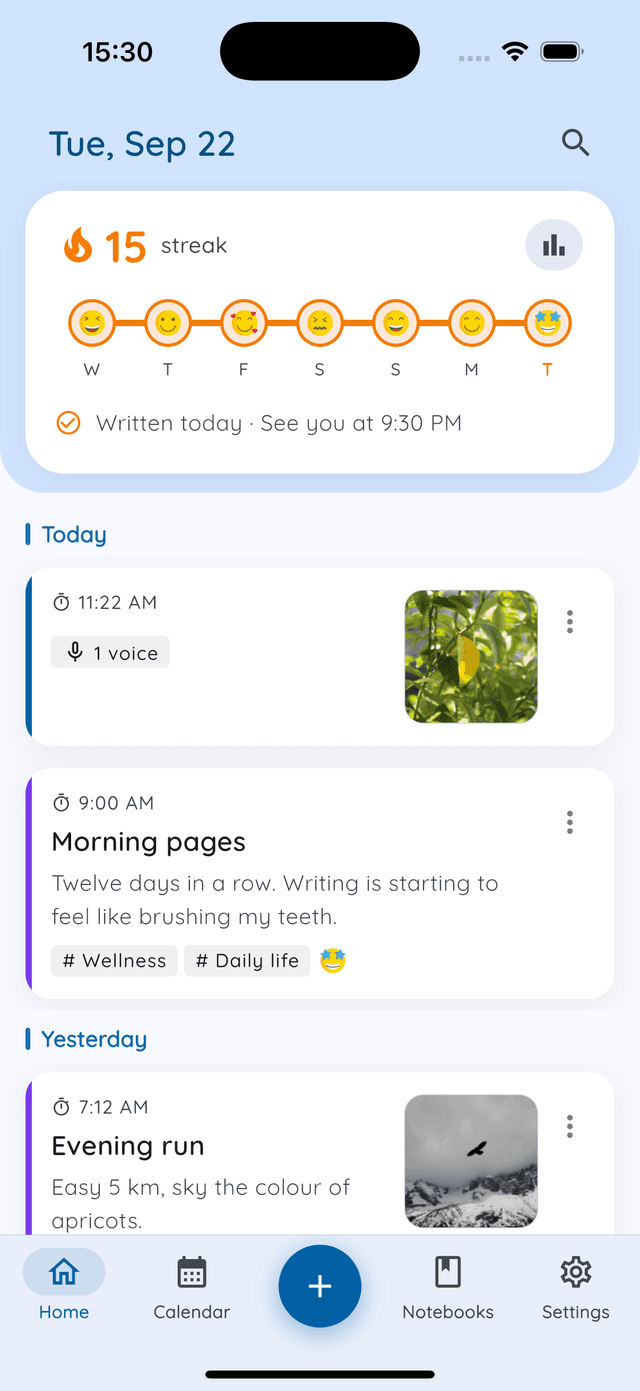
Tap the tag button at the top of the editor. Select existing tags or type a new one. The tag is saved with the entry and immediately searchable. Search can filter by tag, as well as by year, month, starred entries and template.
The pattern you will notice first
Most people, once they have a month of tagged entries, notice the same thing: their perception of how often they did something does not match the actual count.
They thought they exercised every week. The Fitness filter shows two weeks with nothing. They thought work stress was constant. The Work notes filter shows it was actually concentrated in three days. The gap between perception and record is almost always surprising, and always useful.
That gap is what journaling with tags is for.
Want to build a complete system around this? Read the 3-notebook, 5-tag setup. It shows how notebooks and tags work together as one organized whole. Or start with the weekly review habit to see how tags help you close each week with clarity.
Try Daykept, a gentle journal built around how you feel
Free to download. Writing is free forever. No account needed to start.
Learn more →