
Markdown Toolkit
View, clip, convert and edit Markdown without leaving your browser.
Read .md files as formatted pages, copy any web page as Markdown, turn Word, Excel, PowerPoint and PDF files into Markdown, and edit with a live preview. Everything runs on your device.
Four tools, one extension
Most Markdown extensions do one of these. Markdown Toolkit keeps them together, so a page you clip or a file you convert opens straight in the editor.
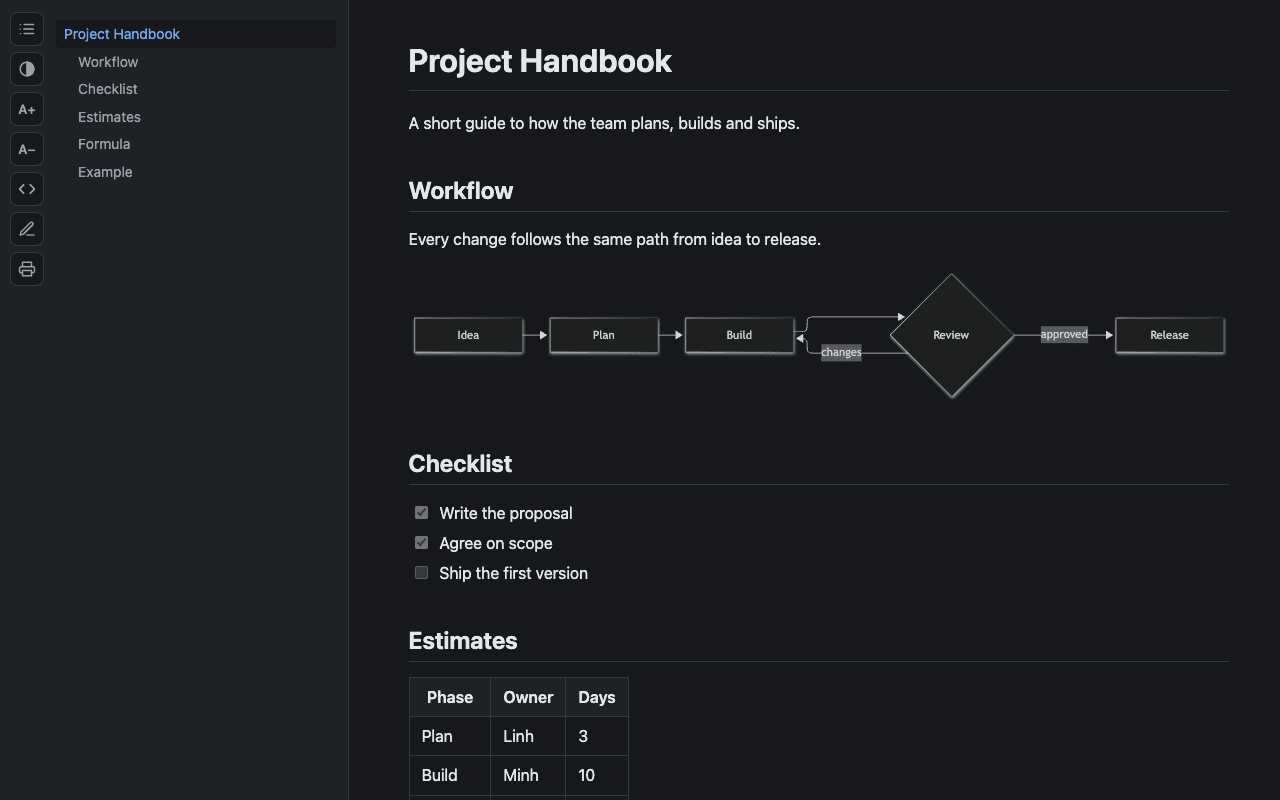
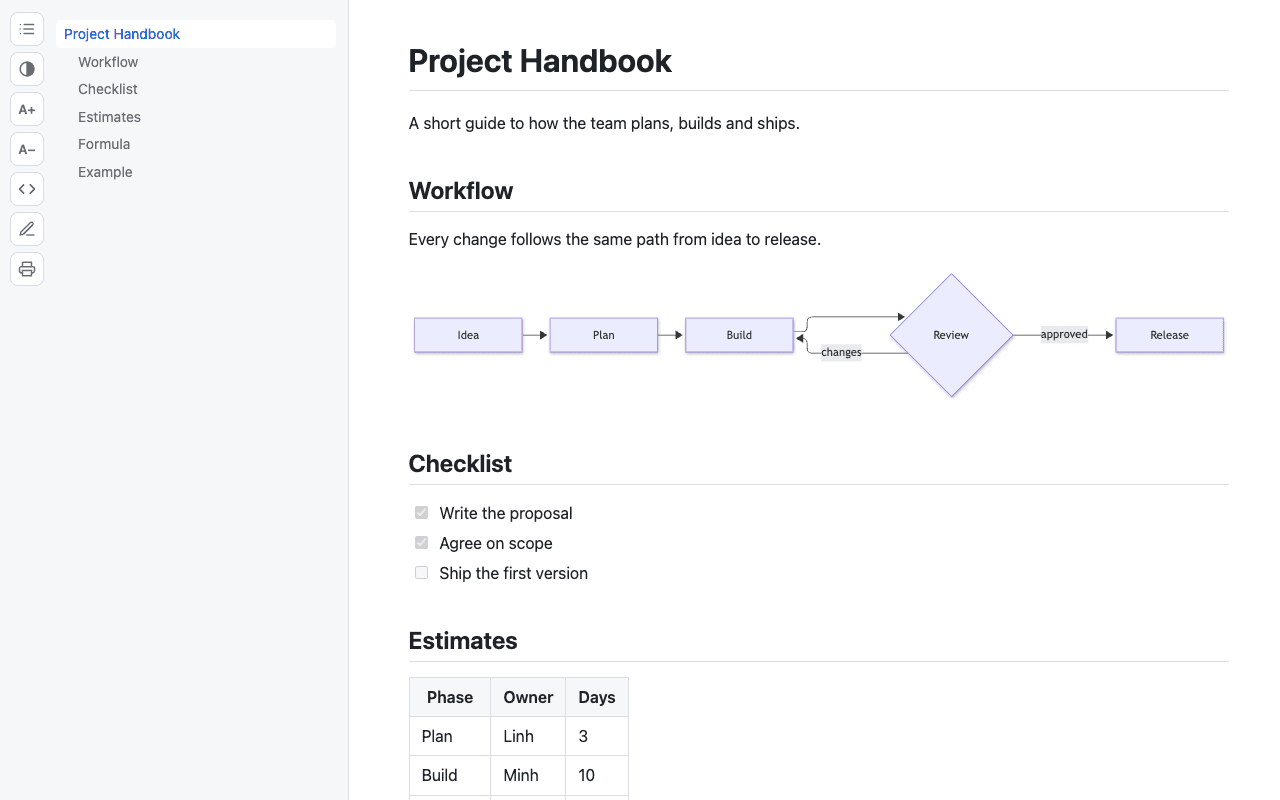
Open a .md file and read it as a page.
Markdown files and URLs open as a formatted page instead of raw text, with a table of contents that follows your scroll position.
- Light and dark themes, adjustable text size
- Code highlighting with one-click copy
- Tables, task lists, footnotes, alerts, math and Mermaid diagrams
- Local files reload when they change on disk
Take any web page as Markdown.
Open the popup to preview the current page as Markdown before you take it. Copy it, save it as a .md file, or send it to the editor.
- Whole page or just your selection
- Title, source and date saved as front matter
- Right-click menu and keyboard shortcuts
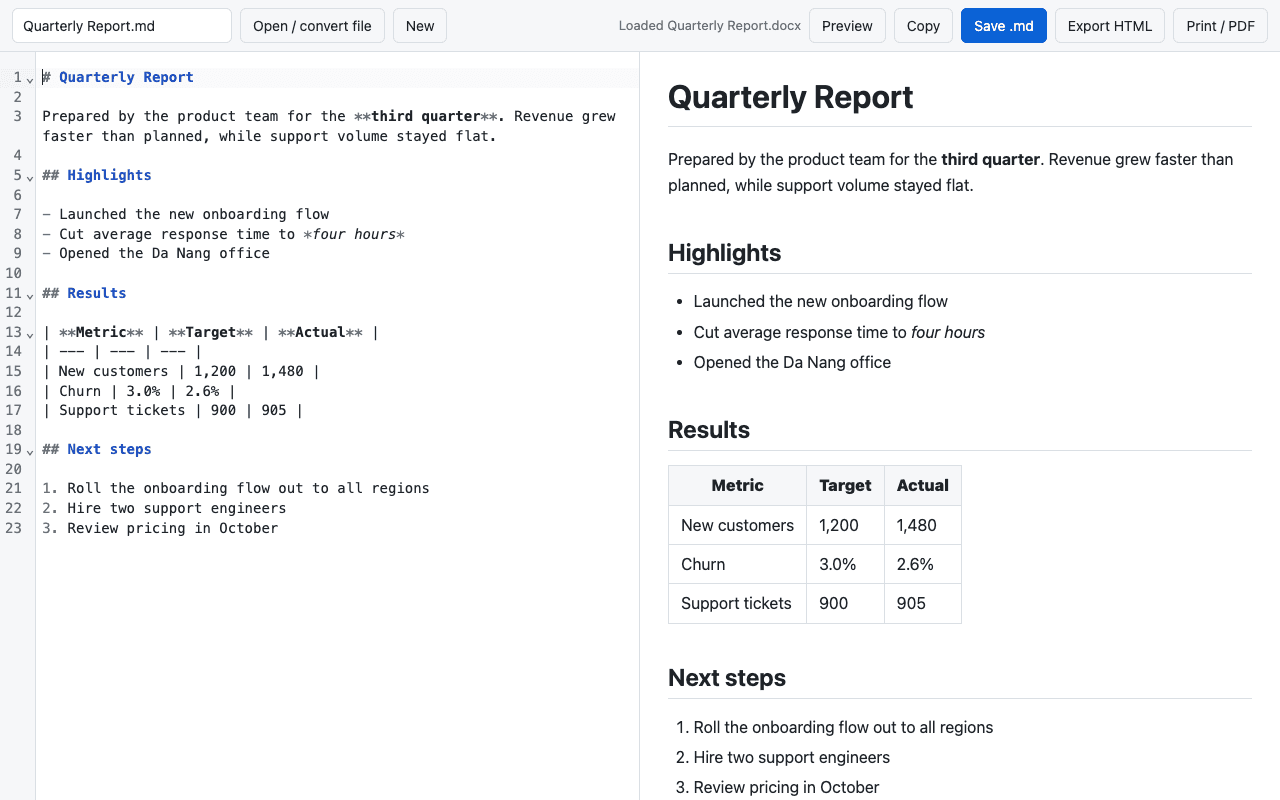
Drop a document, get Markdown.
Files are converted inside your browser, so a report or a spreadsheet never leaves your computer.
- Word (.docx), Excel (.xlsx), PowerPoint (.pptx), PDF and EPUB
- HTML, CSV, TSV, JSON and Jupyter notebooks
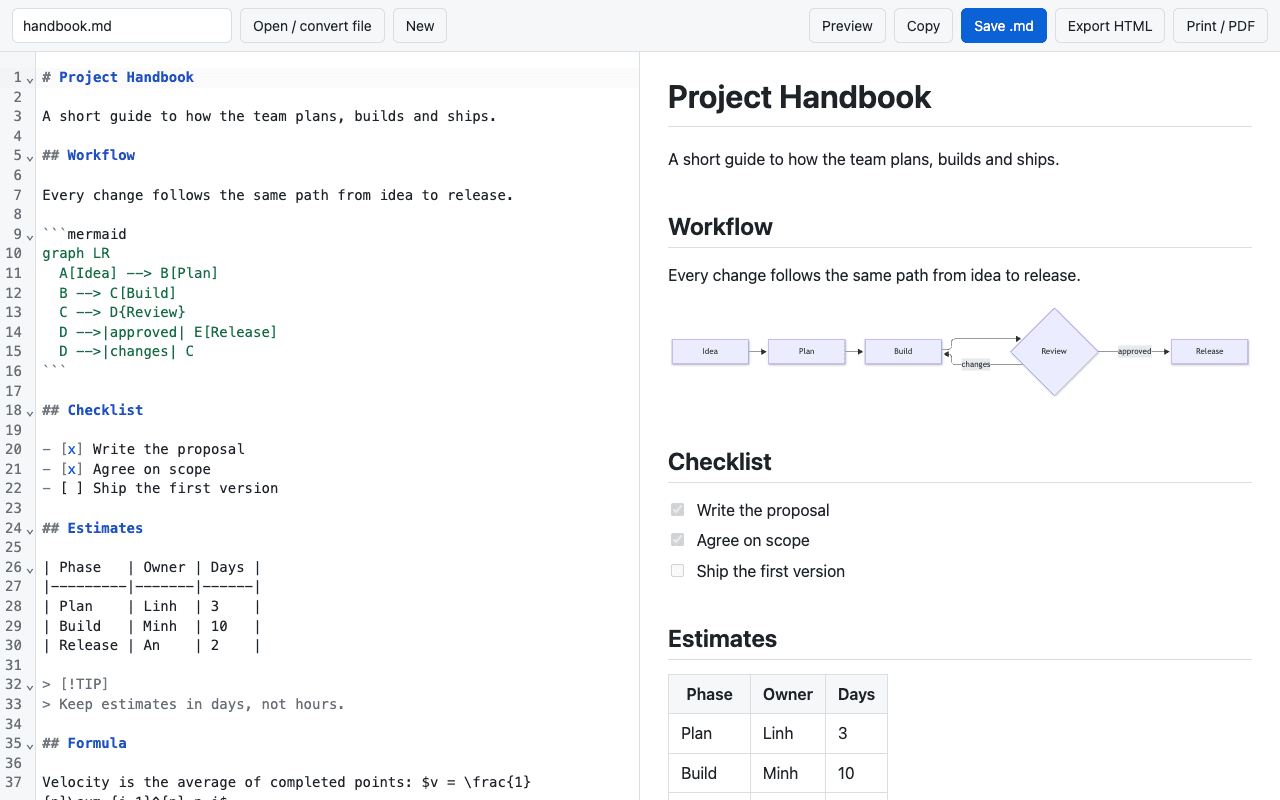
Write with the preview next to you.
A Markdown editor with a live preview side by side. Paste formatted text from a web page or a document and it arrives as Markdown.
- Export a standalone HTML file
- Print to PDF
Private by design
- Everything runs on your device. Pages and files are converted in your browser.
- No account, no analytics. The extension has no server to send anything to.
- It reads a page only when you ask. By opening the popup, using the right-click menu or pressing a shortcut.
Read the Markdown Toolkit privacy policy.
Frequently asked questions
Still have questions? Contact support
Yes. It is free, with no account and no ads.
Google Chrome on desktop. Other browsers are not supported yet.
No. Web pages and files are converted to Markdown inside your browser. The extension has no server of its own.
Chrome blocks extensions from local files by default. Open the extension's details page in Chrome and turn on "Allow access to file URLs".
No. It reads PDFs that contain real text. Tables and multi-column layouts come out as plain paragraphs.
Markdown, handled in your browser
Free. No account. Nothing uploaded.
Coming soon to the Chrome Web Store